.avif)
Clean Water Store is a company that supplies consumer and commercial water treatment systems. I created multiple product pages for them. The goal of these pages was to provide easy navigation, help guide the customer in choosing the correct system, while also informing them. These pages were given to me in a slight state of disrepair, and I was given little direction other than that I should make them more engaging and easier to understand/navigate. The content choices were mostly mine, other than that they wanted some stock lifestyle photos included. For these pages, I did the design, layout, and graphics (including the technical diagrams, thumbnails, and standardizing the colors, fonts, and appearance). I also created a lot of the body copy by collaborating with our engineer and doing additional research to inform consumers. On top of that, I did a good amount of the web development for this project (HTML/CSS). For the imagery: newer and higher-quality product images were taken and edited by me. Some of the older images were not created by me because we had not gotten to those products yet. I also worked to make the website pages more effective for showing up in AI searches. The web pages have both a PC and mobile version.
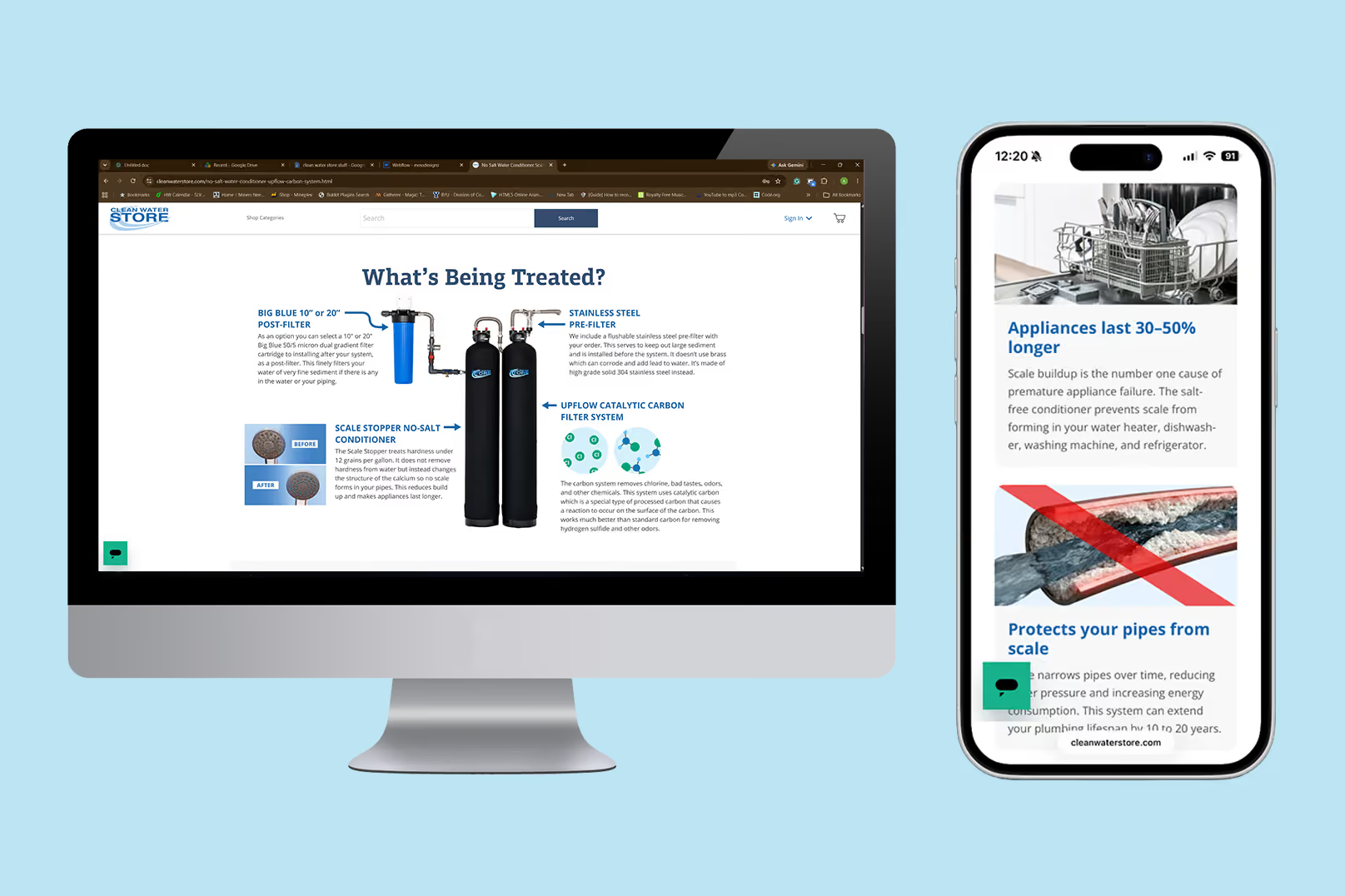
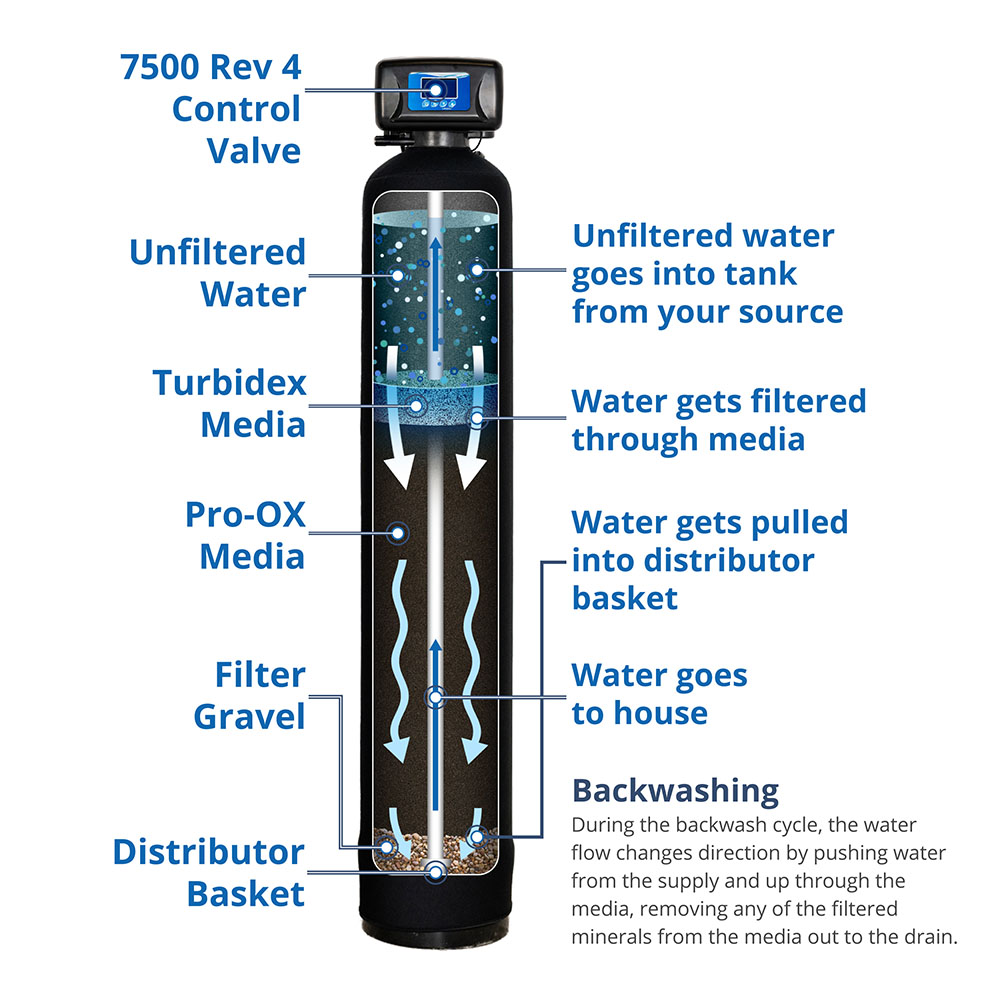
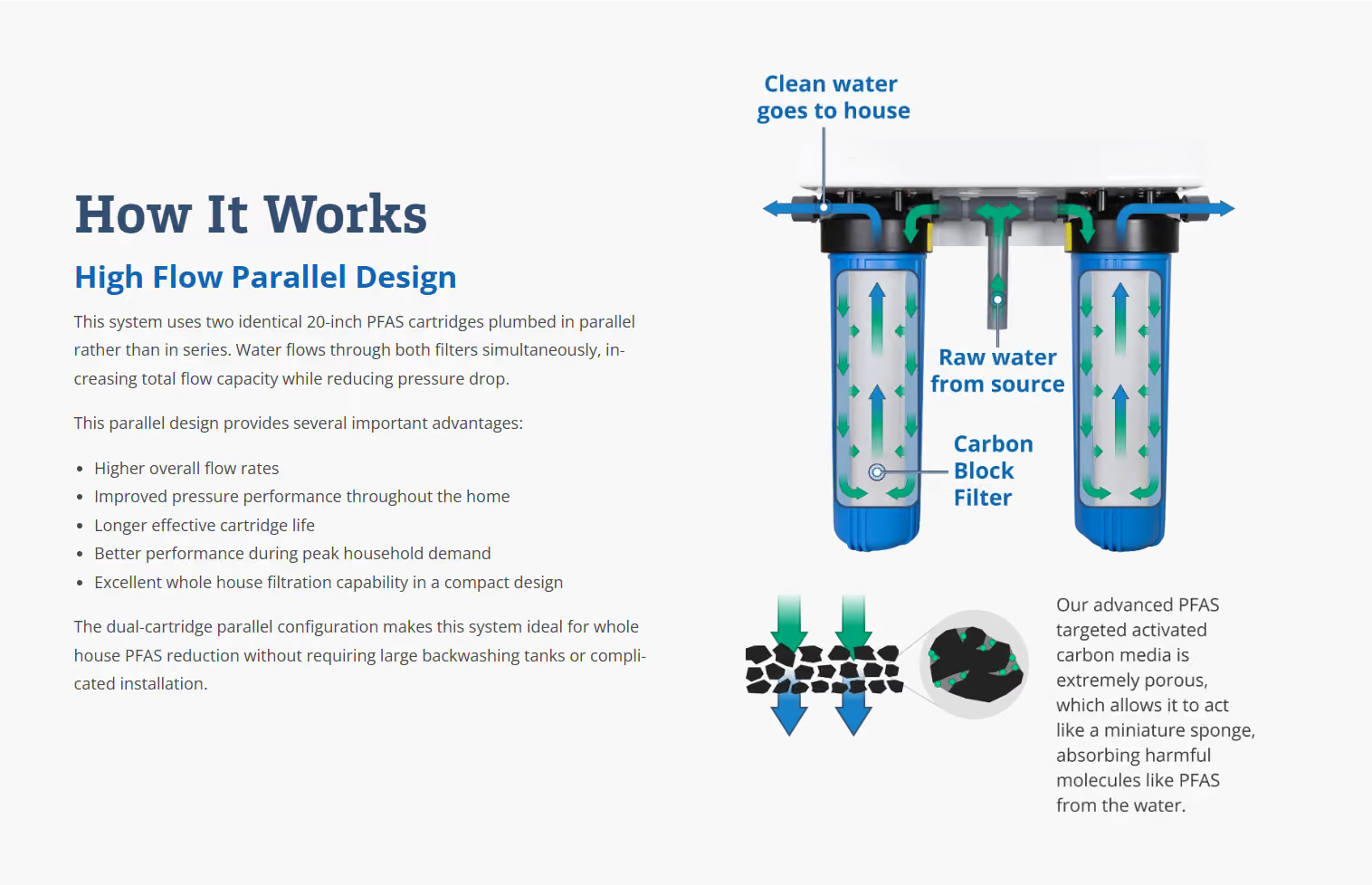
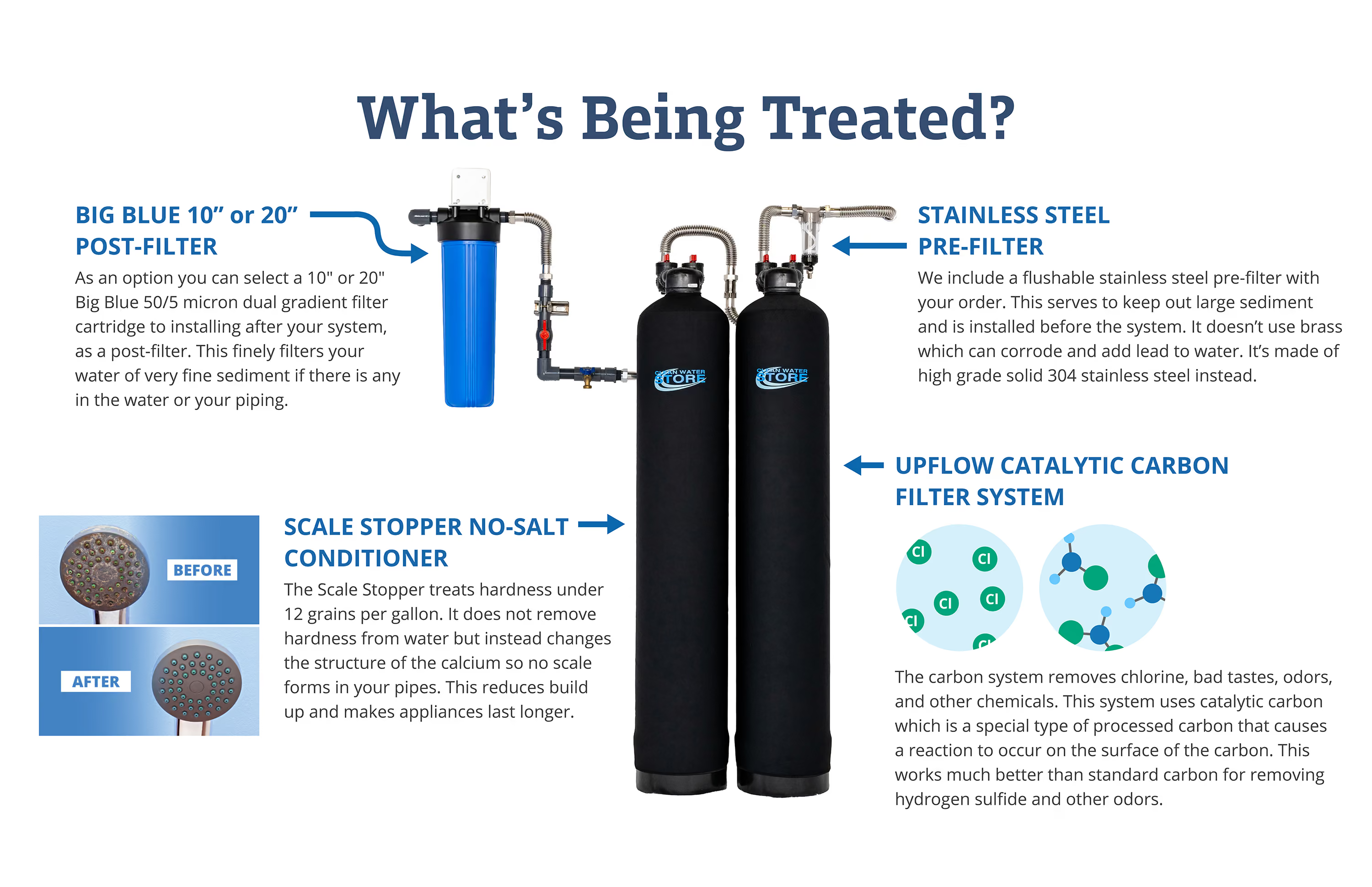
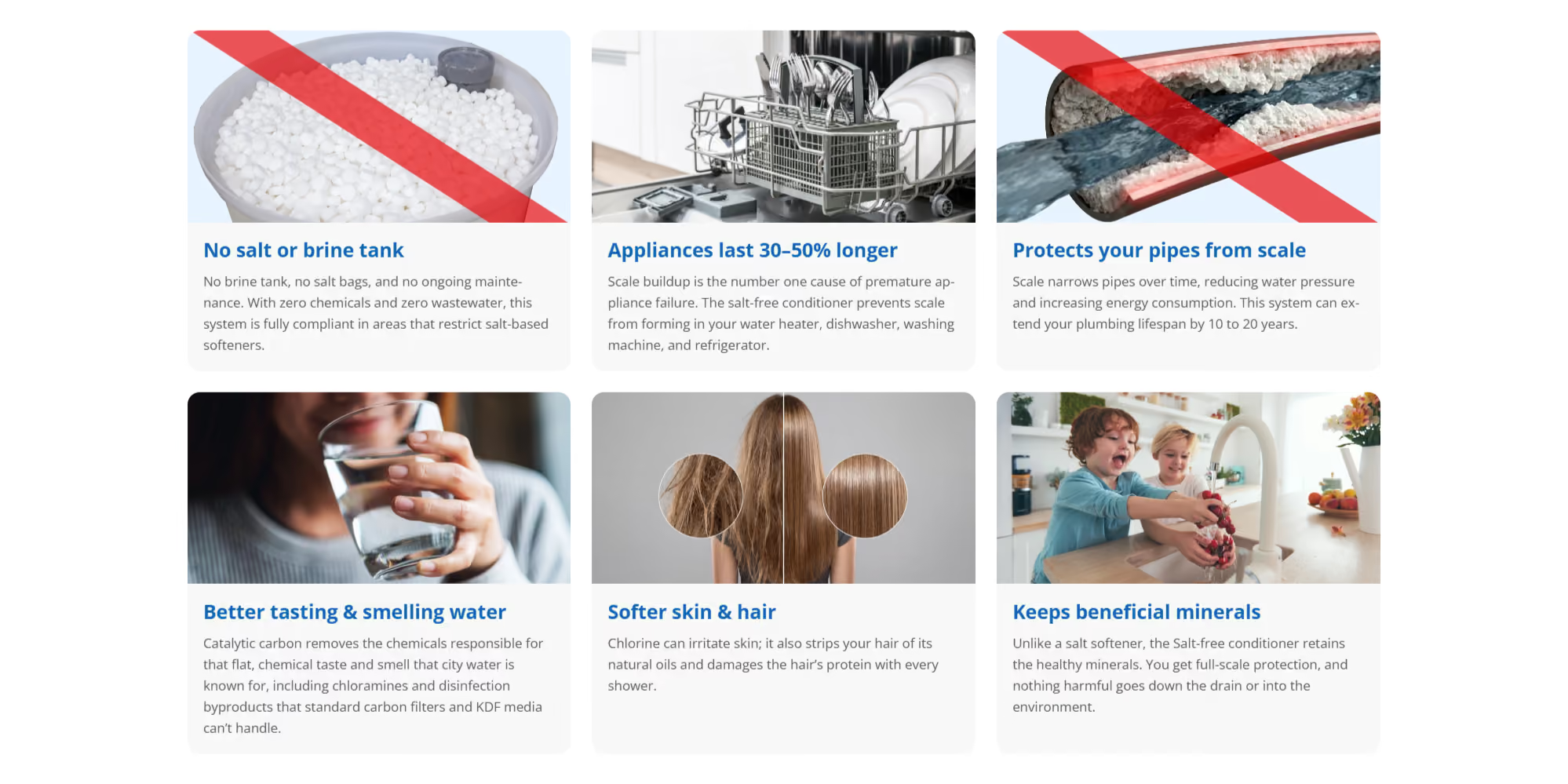
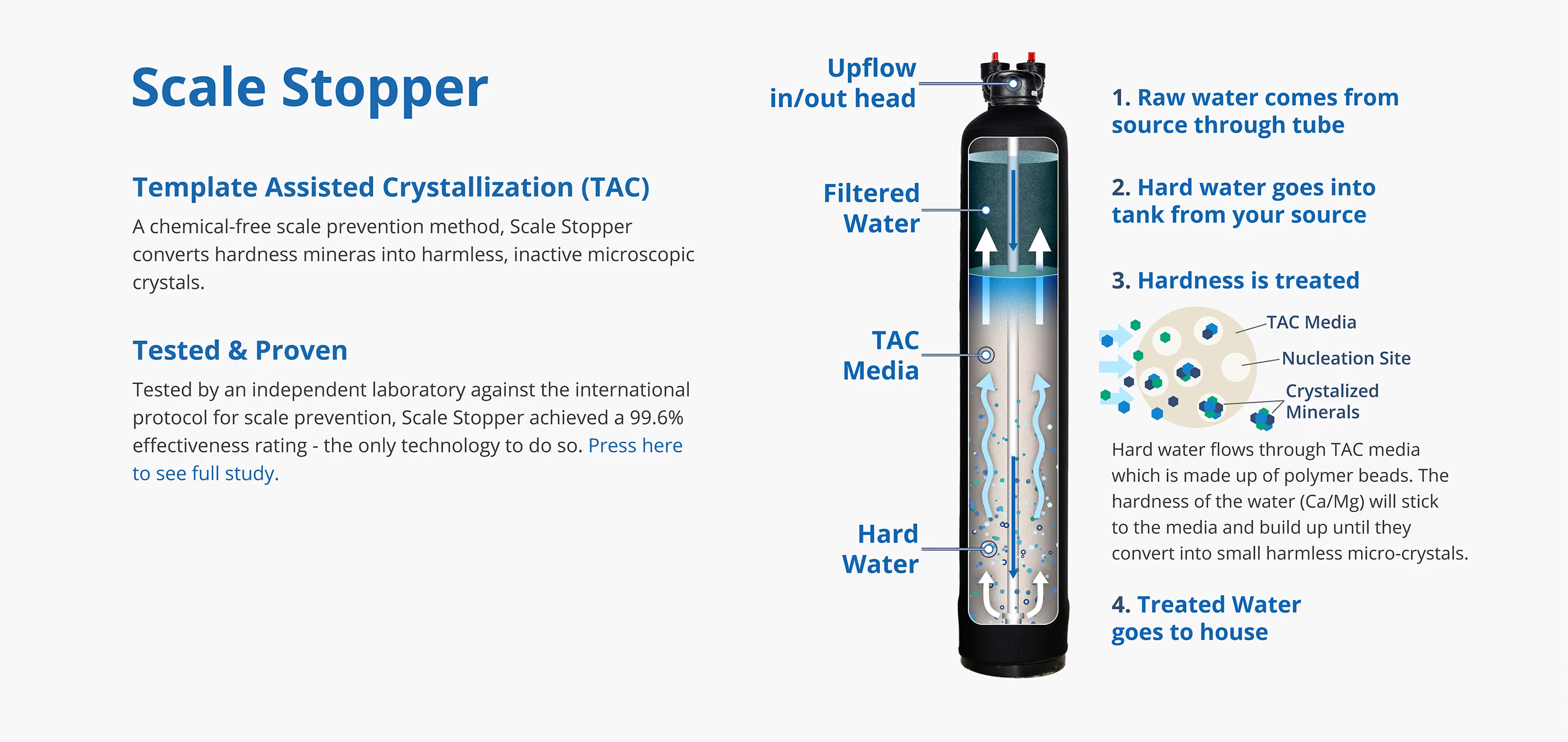
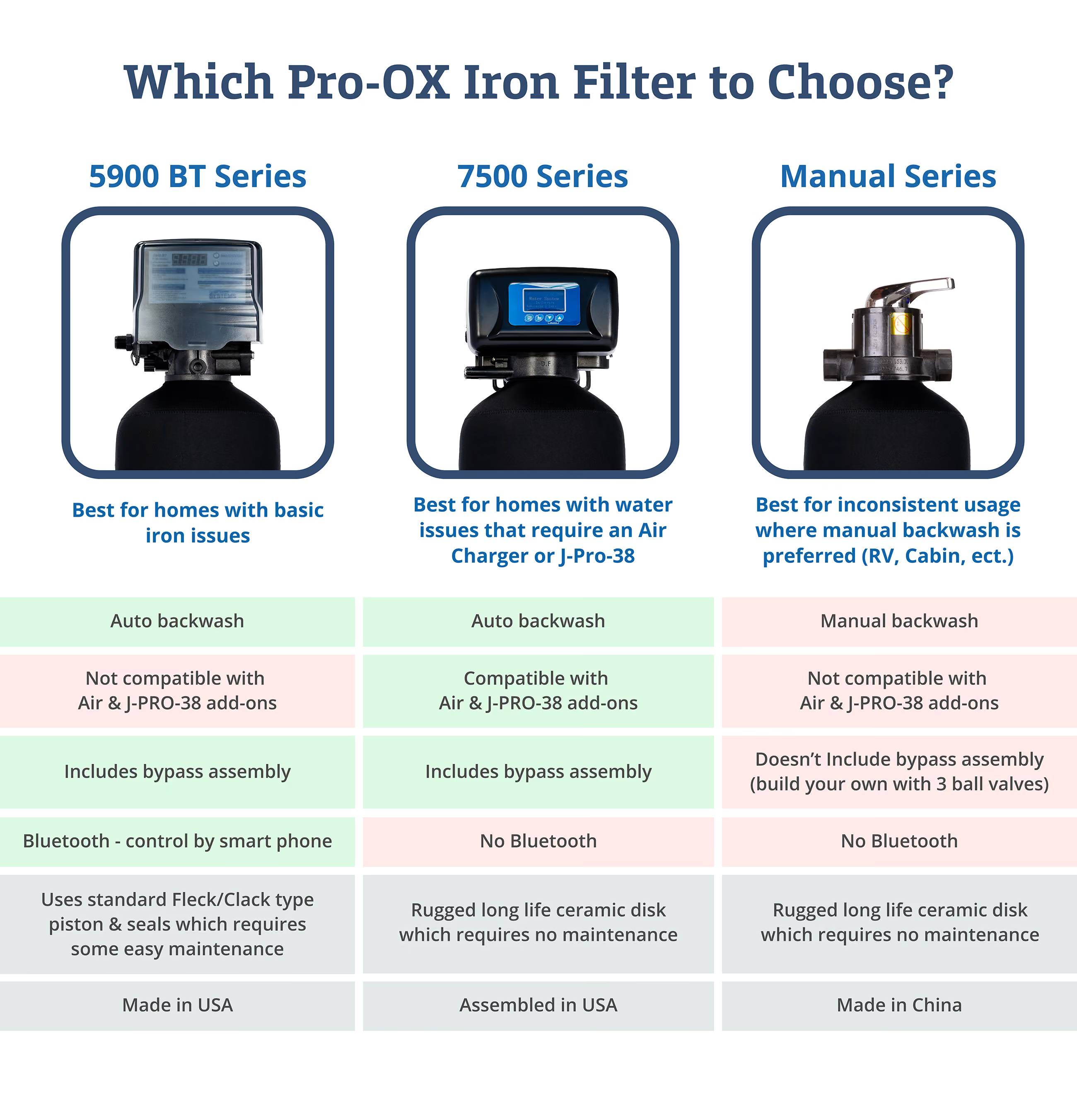
Here you can see some of the PC versions of the graphics I created for the web pages. The graphics are not just images but are also partially coded so that the important text can be crawled by AI. For example, the benefits graphic is a 3-column, 2-row grid that is easily readable by AI and turns into a 1-column grid when shown on mobile. Shown are technical diagrams that illustrate how the system works, a “benefits section” that informs the user of what to expect from the system, and a graphic created to help guide the user in choosing the correct system. To learn more about how I created the technical diagram graphics, Click Here.
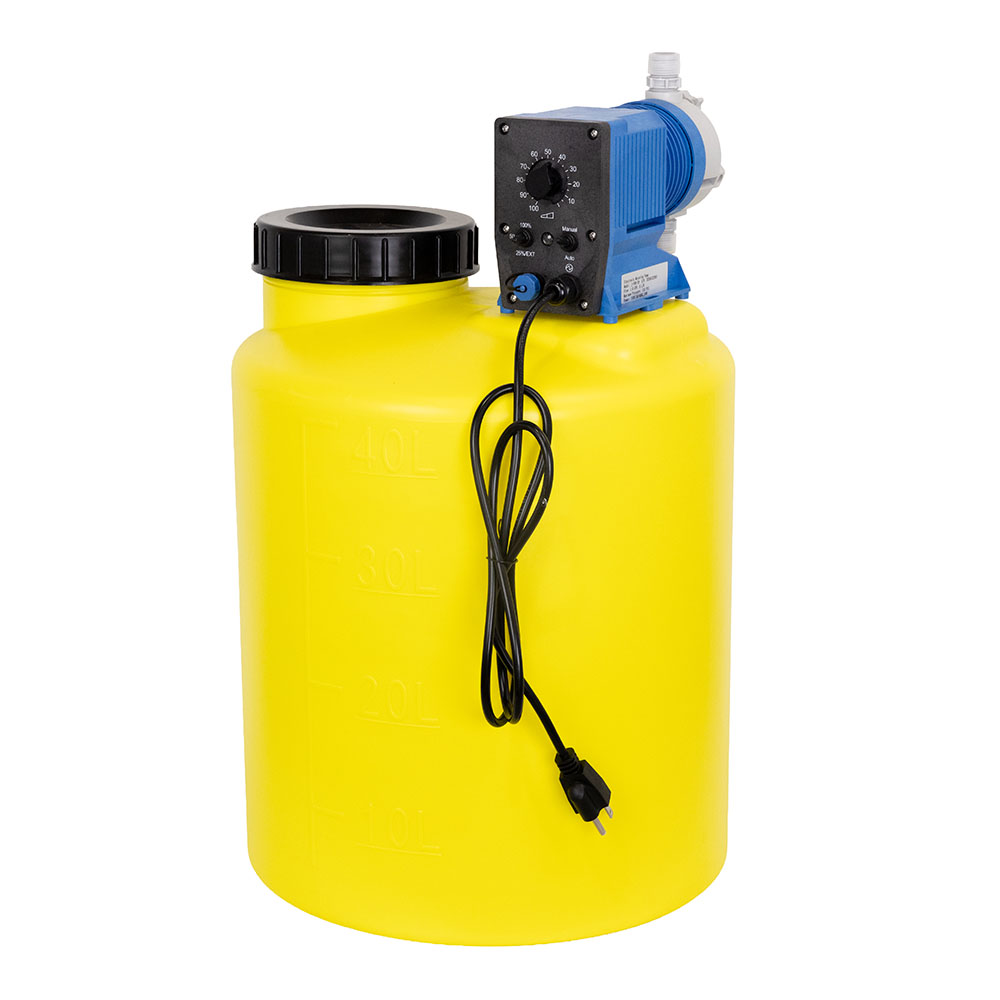
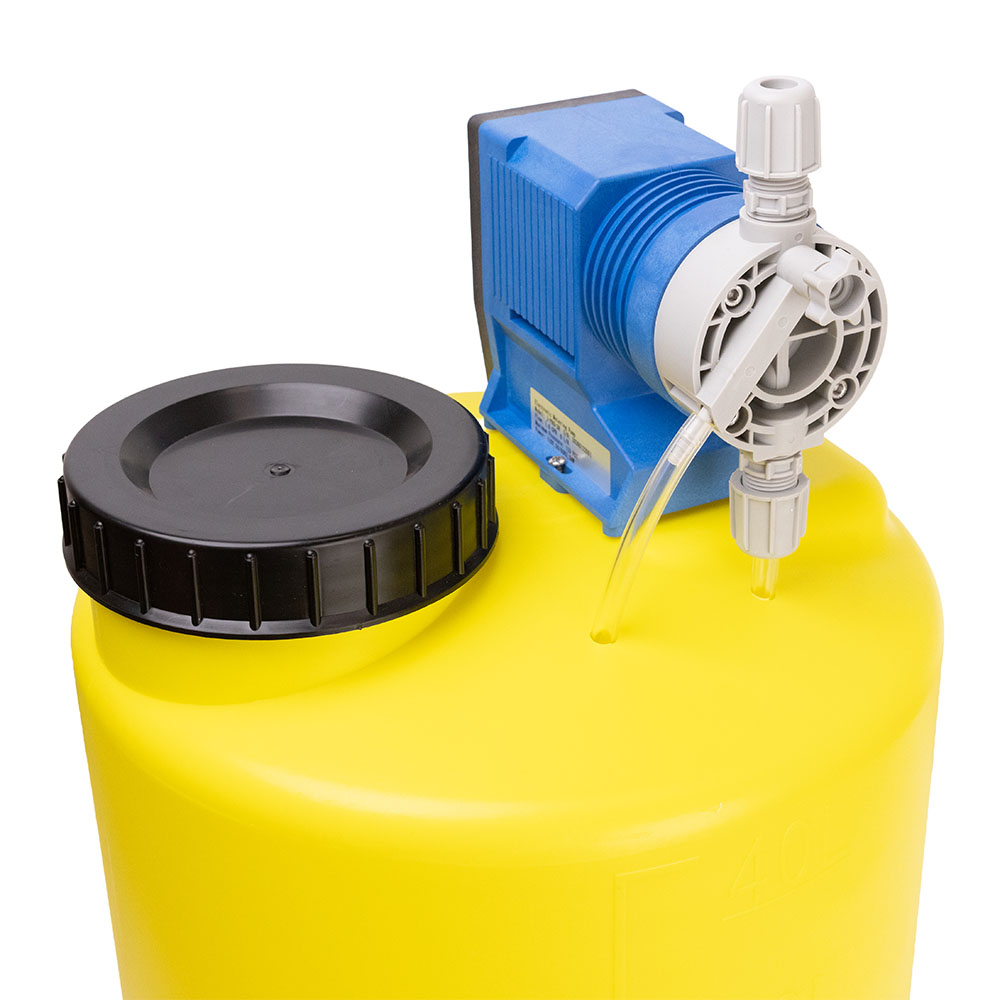
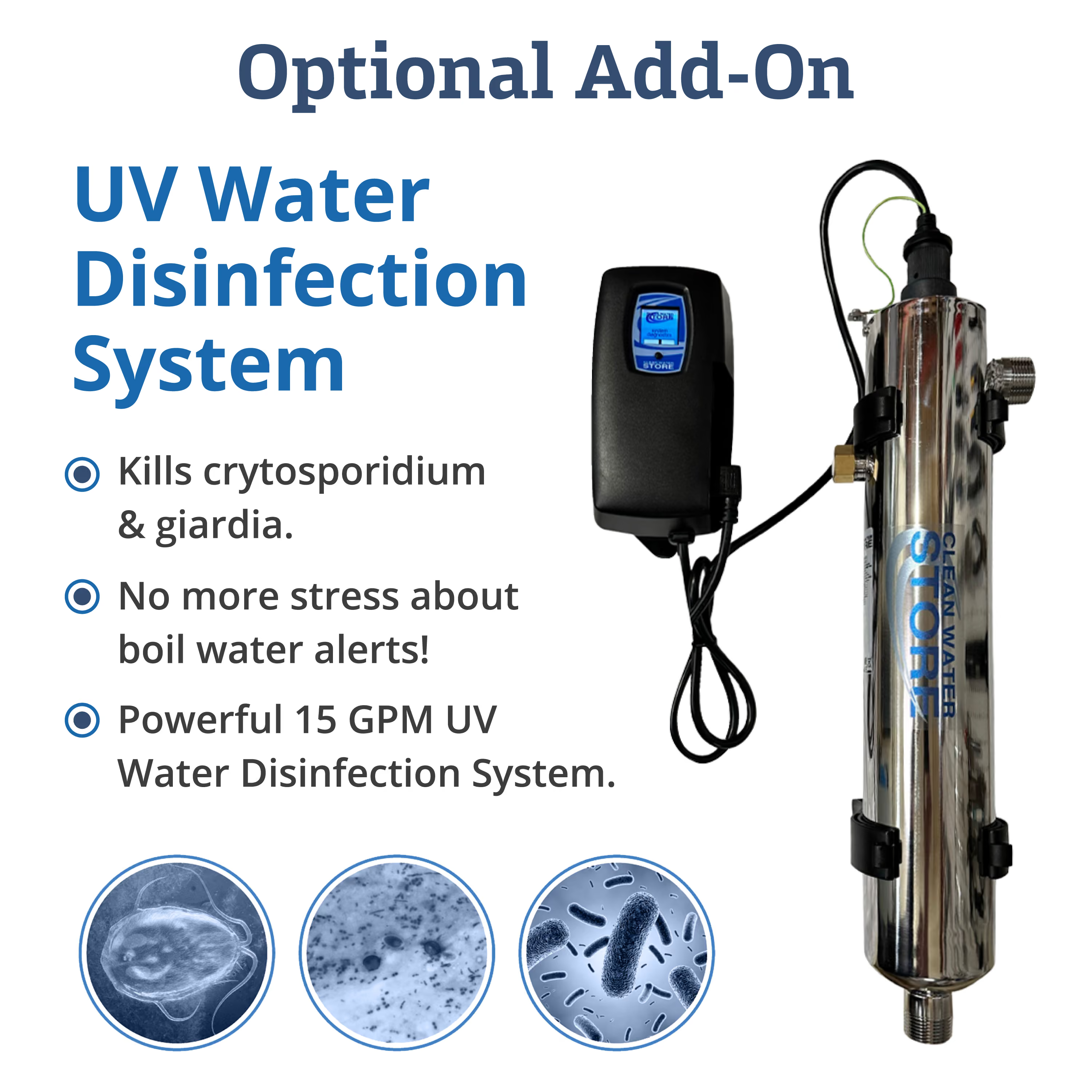
Shown here are some of the product photos I took or created. I would often take pictures of a large number of products at once, so I set up a mini studio to try to factory-line the process while still ensuring quality. You can also see some of the add-on graphics I created to show with the product images. On top of creating the images, I also had to find a way to compress them into tiny files that would load quickly on bad wifi while maintaining quality, because many of these images would be shown at once on product category pages.